

Install the widget
The widget adds a Feedback button to your app. Your users can post ideas, vote, and see your roadmap and what’s new.
It takes about five minutes.
1. Open the widget settings
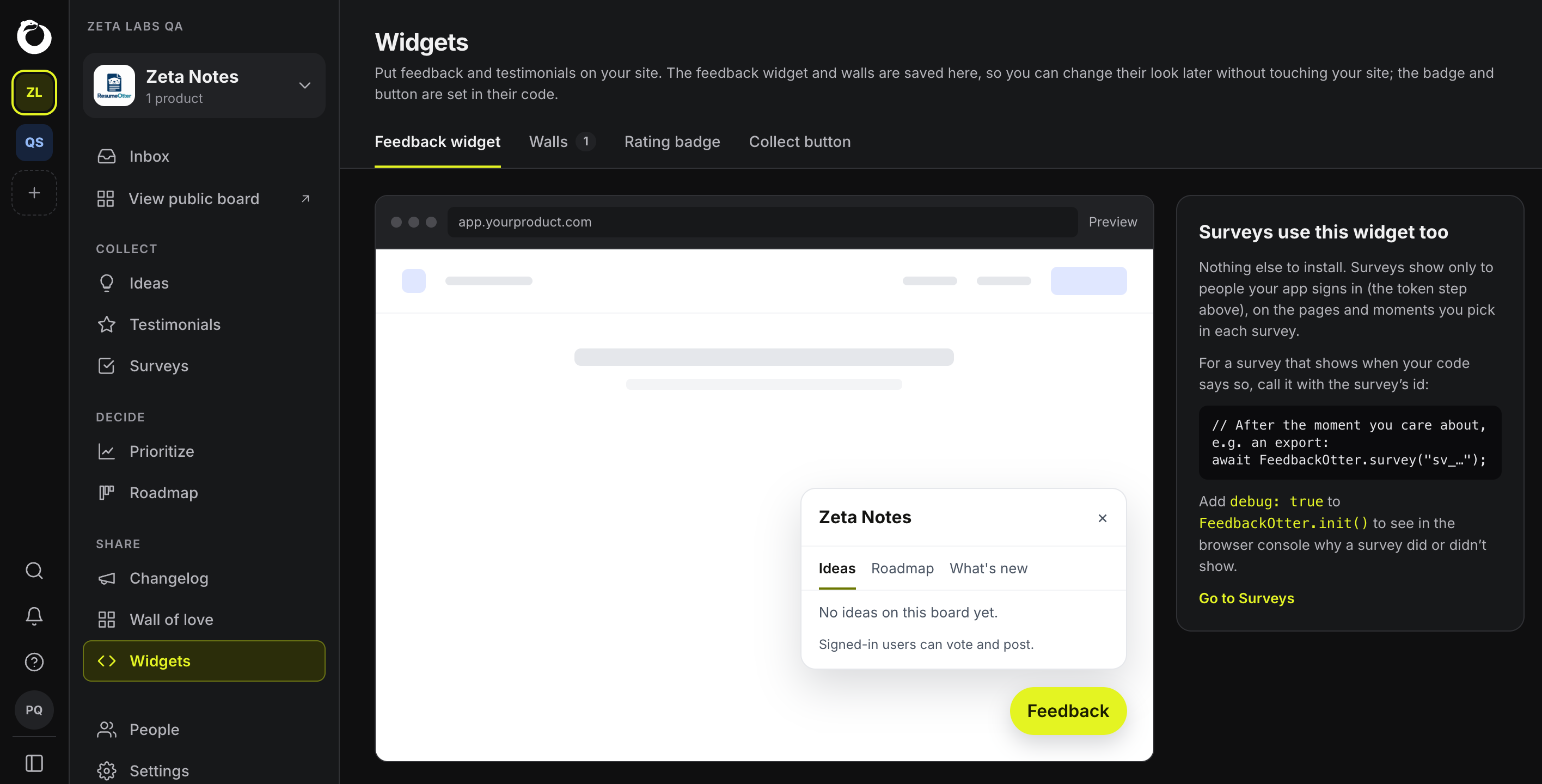
Section titled “1. Open the widget settings”In the dashboard, go to Widgets. The Feedback widget tab shows a live preview.
2. Choose how it looks
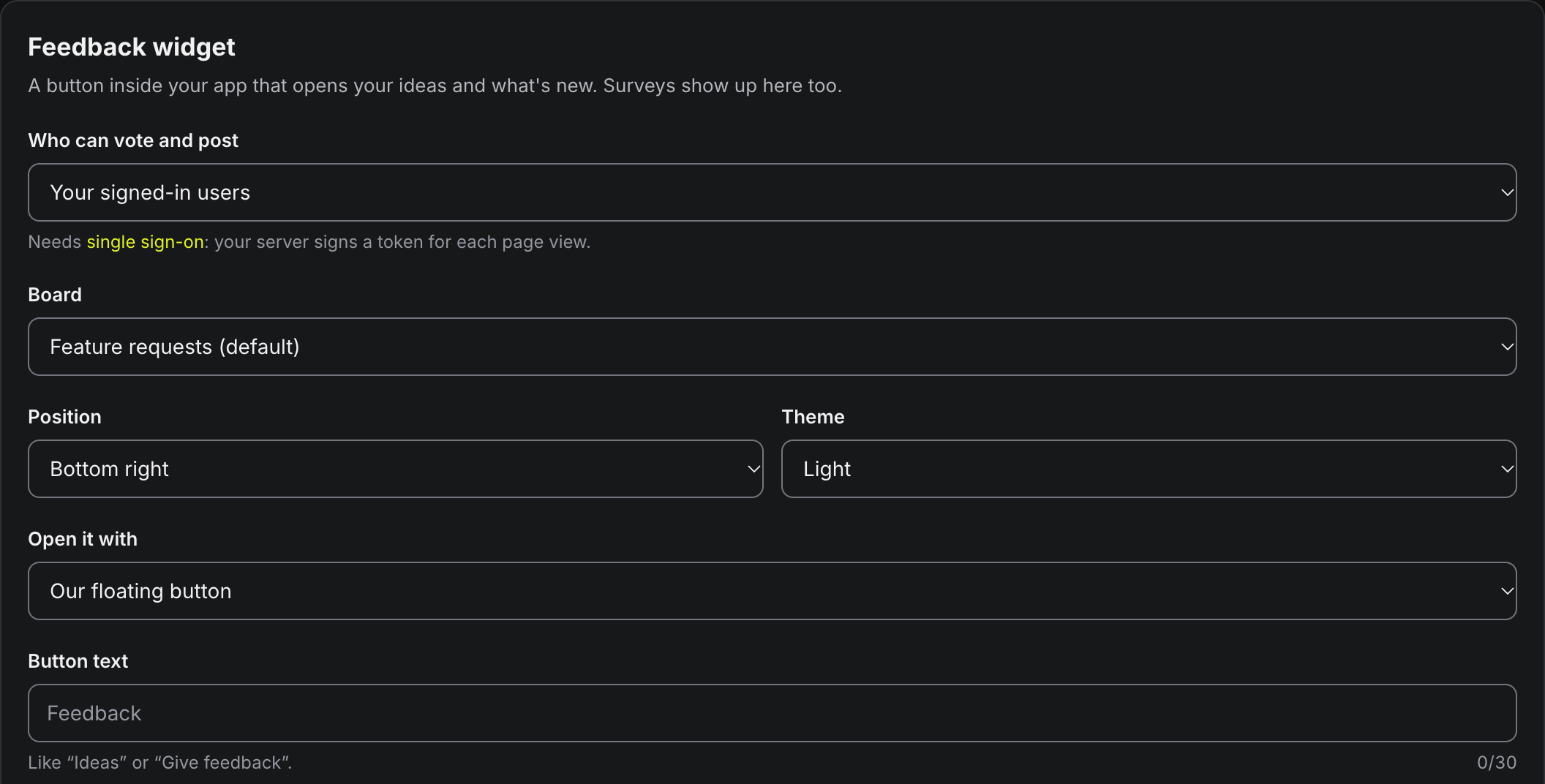
Section titled “2. Choose how it looks”- Who can vote and post: your signed-in users, or nobody (read-only).
- Board: where new ideas go.
- Position and Theme.
- Open it with: our floating button, or your own.
- Button text: “Feedback” by default.
Click Save changes.
3. Add the code to your app
Section titled “3. Add the code to your app”Click Copy next to Embed code.
Paste it before </body> on every page that should show the widget.
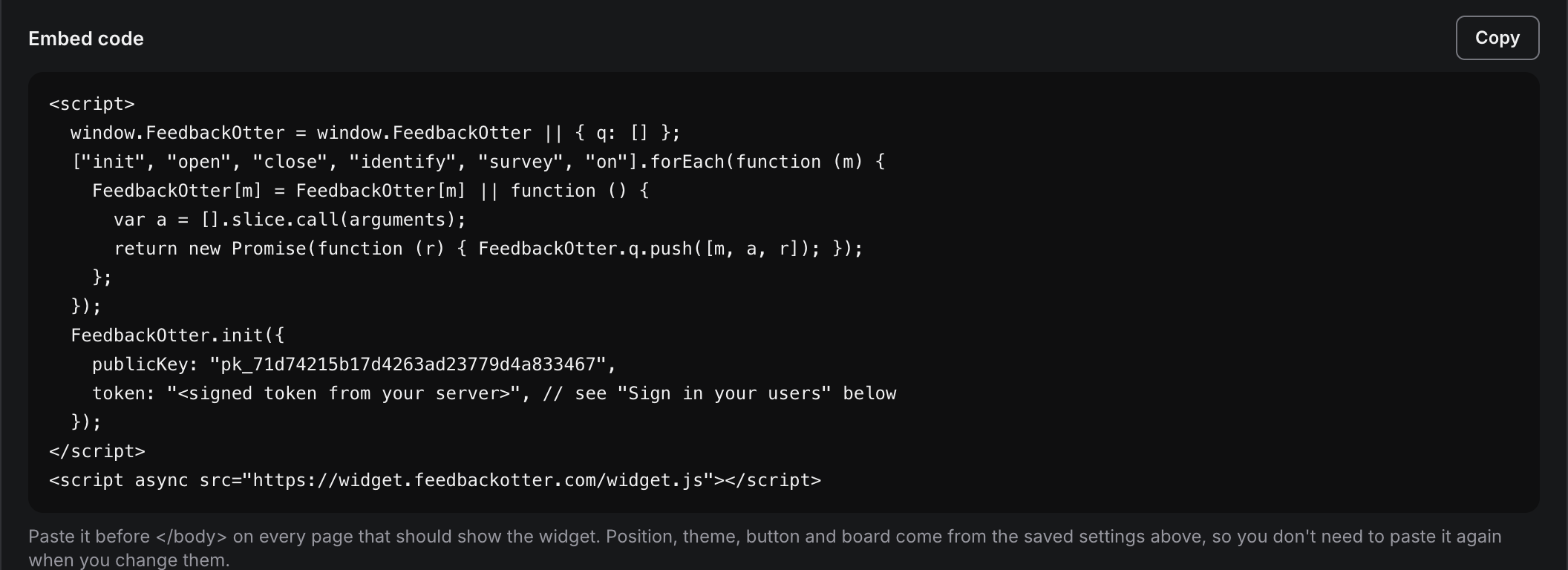
The code includes your public key. It isn’t a secret. It only tells the widget which product to show.
If you chose Nobody: read-only, you’re done. Skip to step 5.
4. Sign in your users
Section titled “4. Sign in your users”Your server signs a short token for each logged-in user. Votes and ideas then come from real customers.
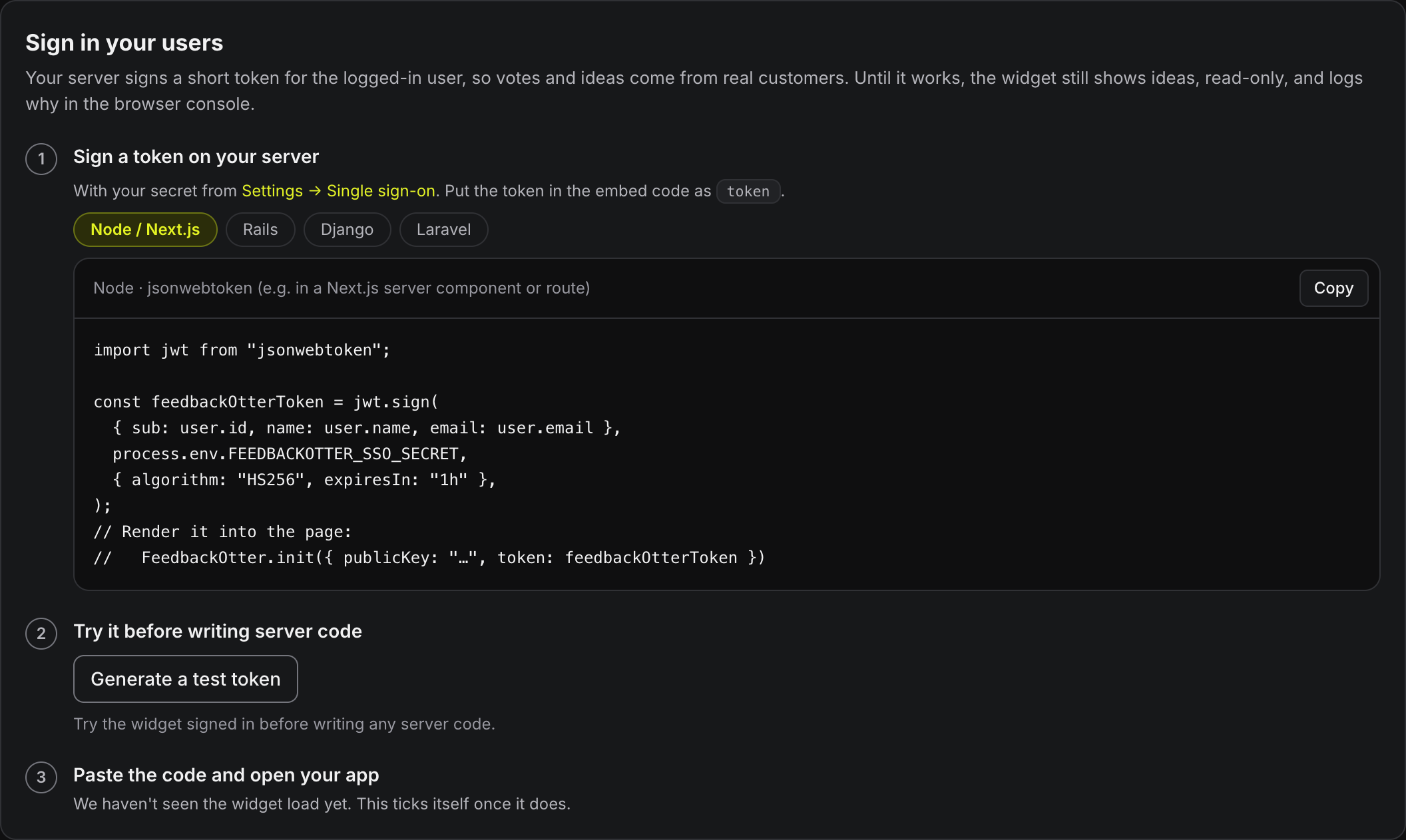
- Get your secret from Settings → Single sign-on.
- Sign a token with it on your server.
- Put the token in the embed code as
token.
// Node, with the jsonwebtoken packageimport jwt from "jsonwebtoken";
const token = jwt.sign(  { sub: user.id, name: user.name, email: user.email },  process.env.FEEDBACKOTTER_SSO_SECRET,  { algorithm: "HS256", expiresIn: "1h" },);
sub and name are required. email is optional.
Tokens can last up to 24 hours.
The dashboard has the same example for Rails, Django and Laravel. For more languages, every claim and troubleshooting, see Single sign-on.
Try it with a test token
Section titled “Try it with a test token”Click Generate a test token, then Copy token.
Paste it as token on a test page.

It signs you in as “Test user” for one hour. Don’t ship it.
5. Check it works
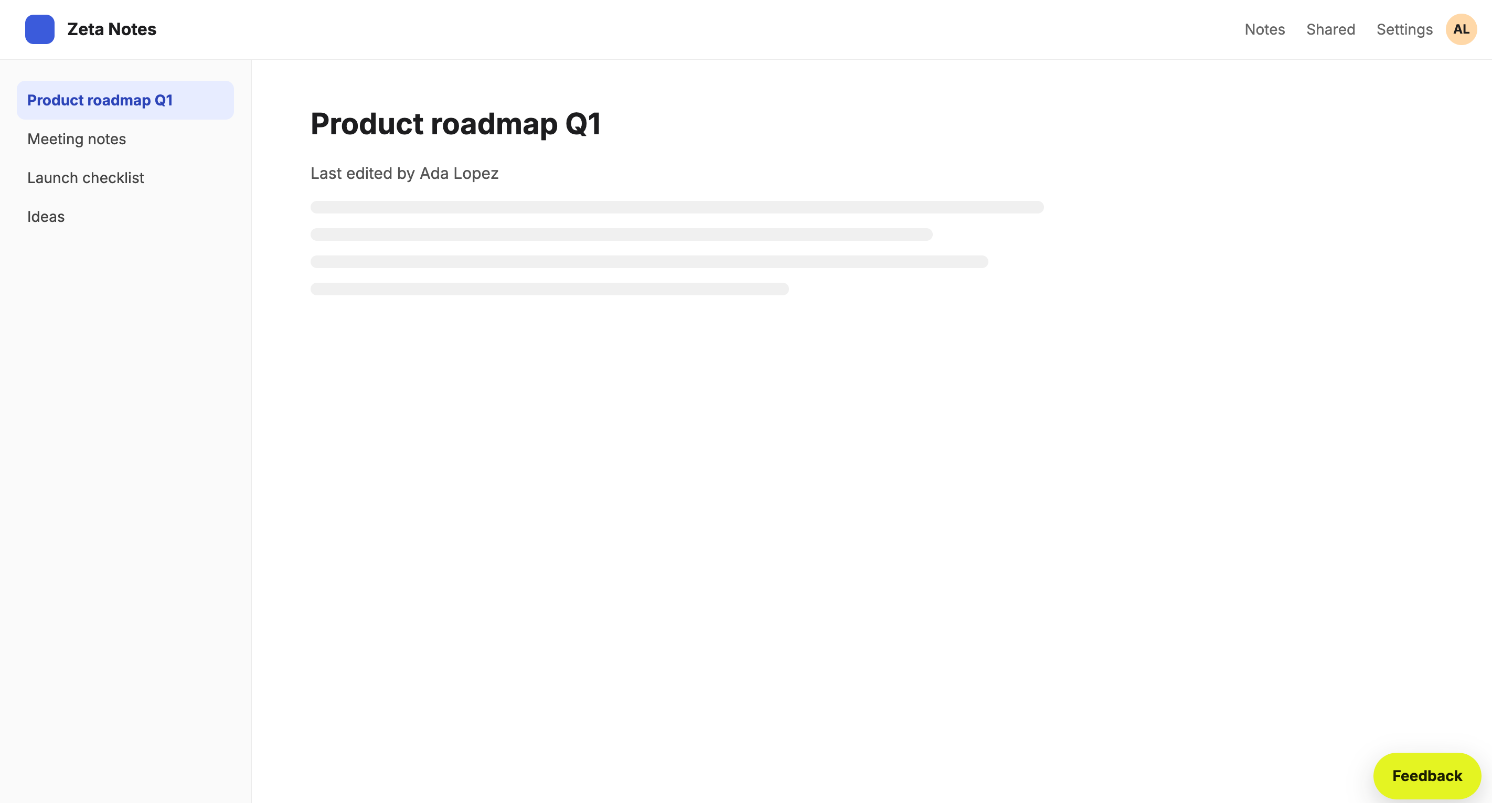
Section titled “5. Check it works”Open a page with the code. The Feedback button appears.
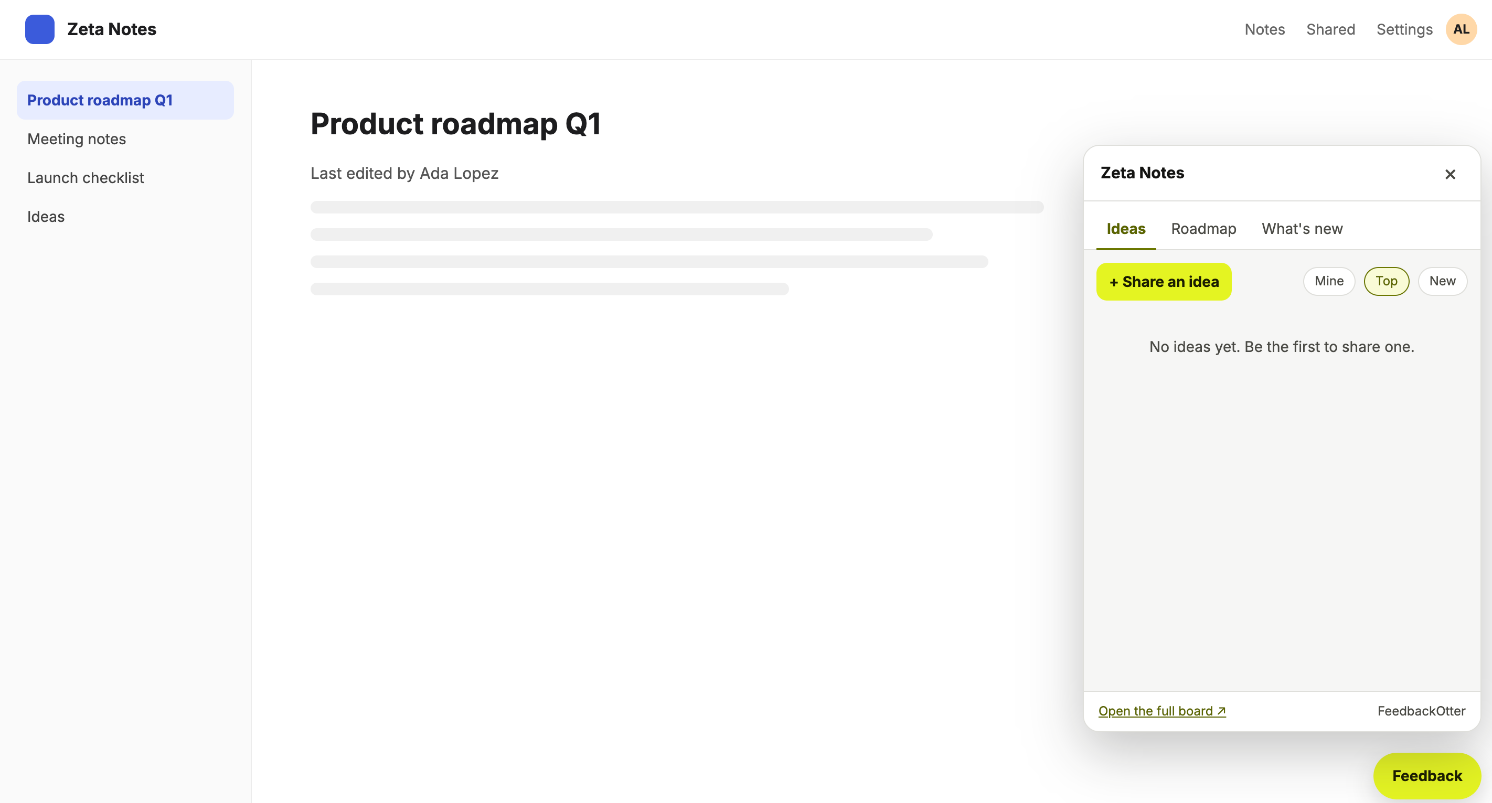
Click it. Signed-in users see + Share an idea.
The dashboard ticks the last step once the widget loads.

Not working?
Section titled “Not working?”- No button? Check the code is on the page, before
</body>. - Can’t vote or post? The token is missing, expired or signed with the wrong secret. The widget stays read-only and logs why in the browser console.
Use your own button
Section titled “Use your own button”Set Open it with to Your own button. Then call this from your button:
FeedbackOtter.open();Every call and option is in the Widget JavaScript reference.