

Wall of love and rating badge
Every testimonial you put on the wall shows up in three places:
- Your Wall of love: a public page, such as
acme.feedbackotter.app/wall. - Wall embeds: the same testimonials, inside your own site.
- The rating badge: your average rating, anywhere on your site.
Only testimonials on the wall appear. See Approve and publish.
Your Wall of love
Section titled “Your Wall of love”Click Wall of love in the sidebar.
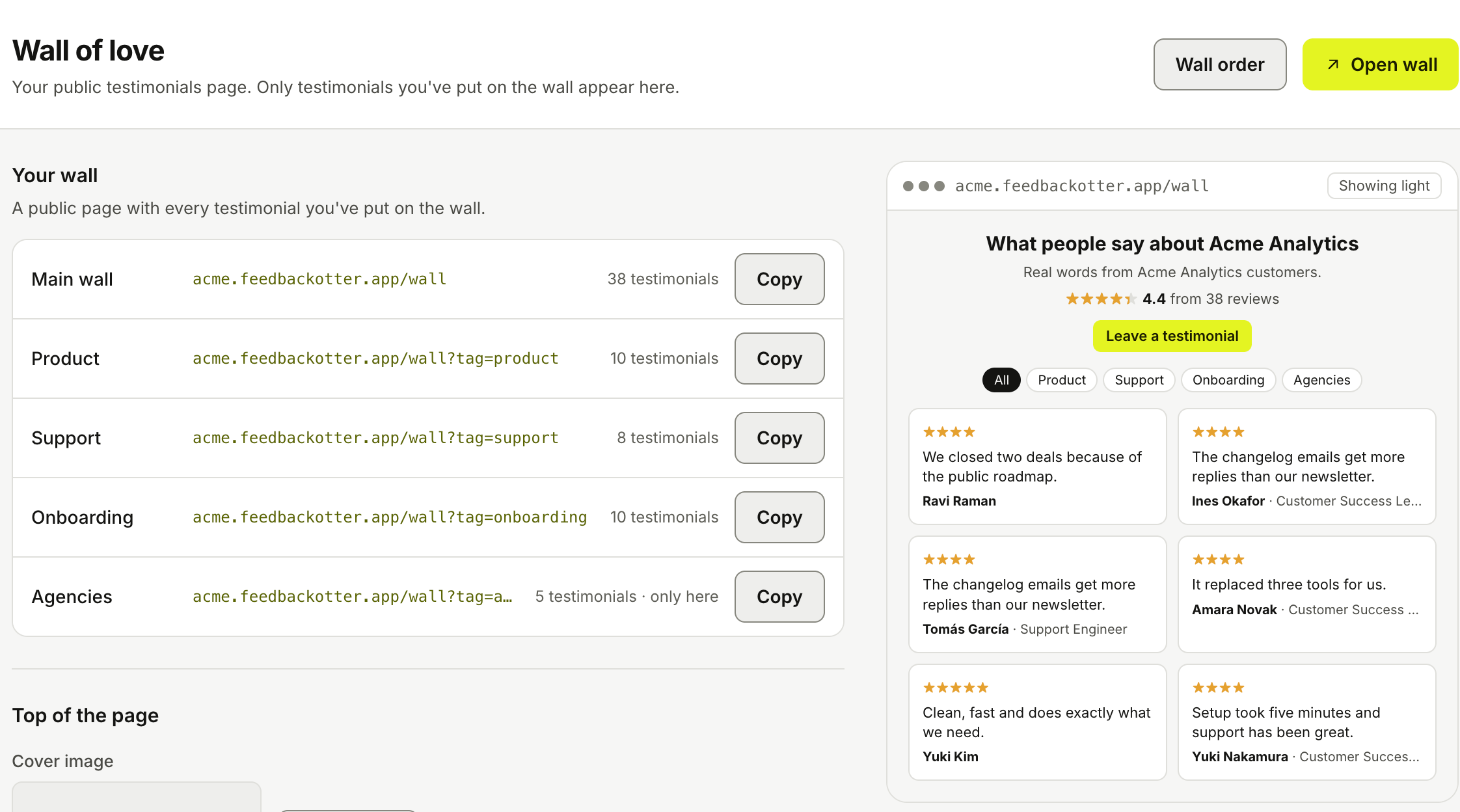
Your main wall lists everything on the wall.
Each tag also gets its own wall, such as /wall?tag=agencies. Click Copy to share one.
Below, change how the page looks:
| Setting | What it does |
|---|---|
| Top of the page | A cover image, title and subtitle. |
| Show a “Leave a testimonial” button | Links to your collection form. |
| Show the tag filter | Lets visitors filter by tag. |
| Show star ratings, Show dates | On each card. |
| Cards and Colours | Card width, theme (light, dark or auto) and accent colour. |
These settings are for the hosted page only. Embeds have their own.
Search engines can read your average rating from the page. It counts only testimonials on your wall, never private feedback.

Cards appear in the order you set under Testimonials → Wall order, row by row. Highlighted testimonials are marked Featured. Visitors can Share any card.
Embed a wall on your site
Section titled “Embed a wall on your site”Go to Widgets → Walls. Every product starts with a Default wall. Click Edit to change it, or New wall embed to add another, for example one per tag.
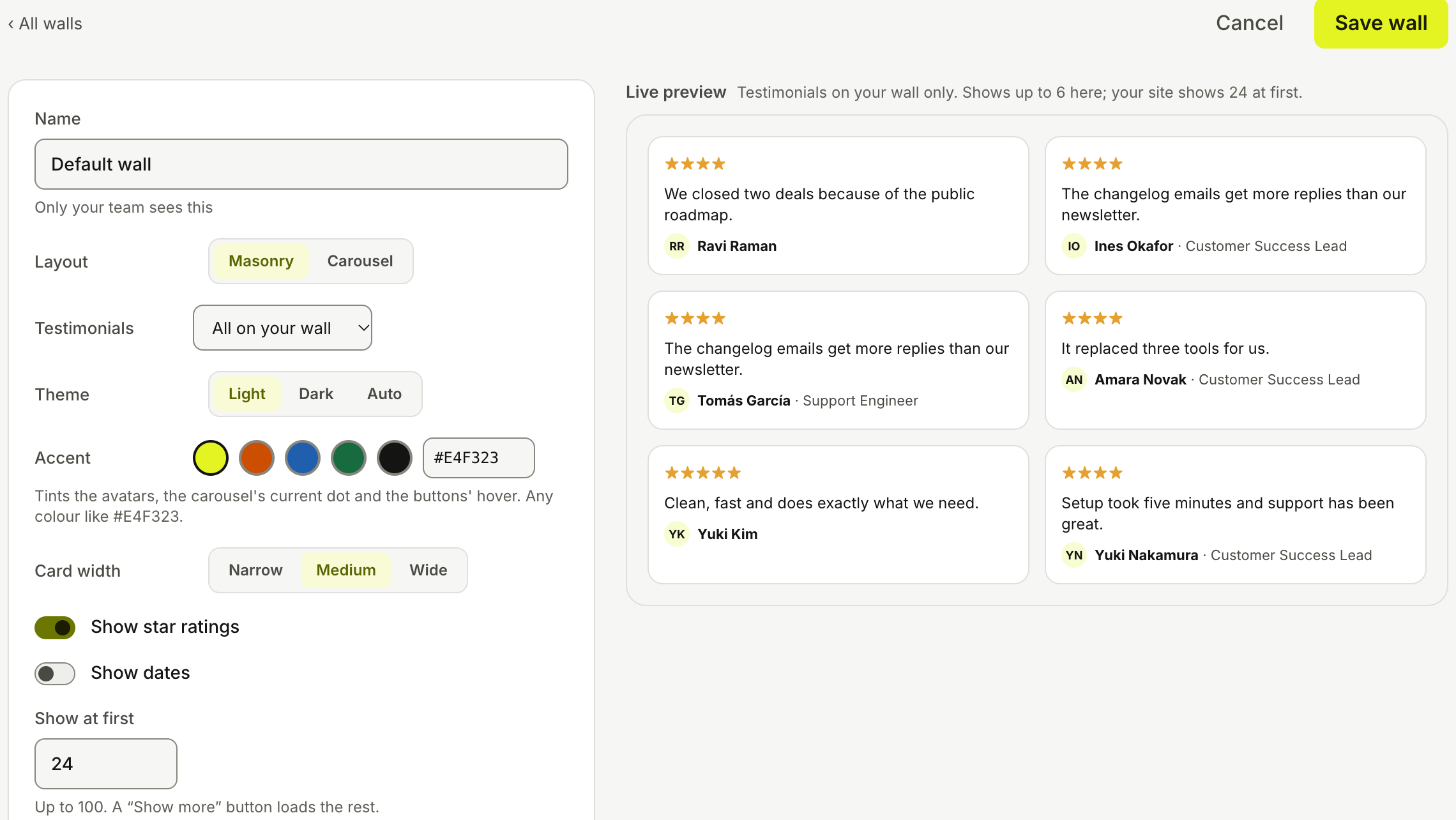
| Setting | Options |
|---|---|
| Layout | Masonry (a grid) or Carousel. |
| Testimonials | Everything on your wall, or one tag. |
| Theme | Light, Dark or Auto (follows each visitor). |
| Accent | Tints avatars, the carousel’s dot and button hovers. |
| Card width | Narrow, Medium or Wide. |
| Show at first | Up to 100. A Show more button loads the rest. |
Click Save wall. Every site using this wall updates. You never need to change the code.
Install it
Section titled “Install it”At the bottom of the editor, pick how to install it.
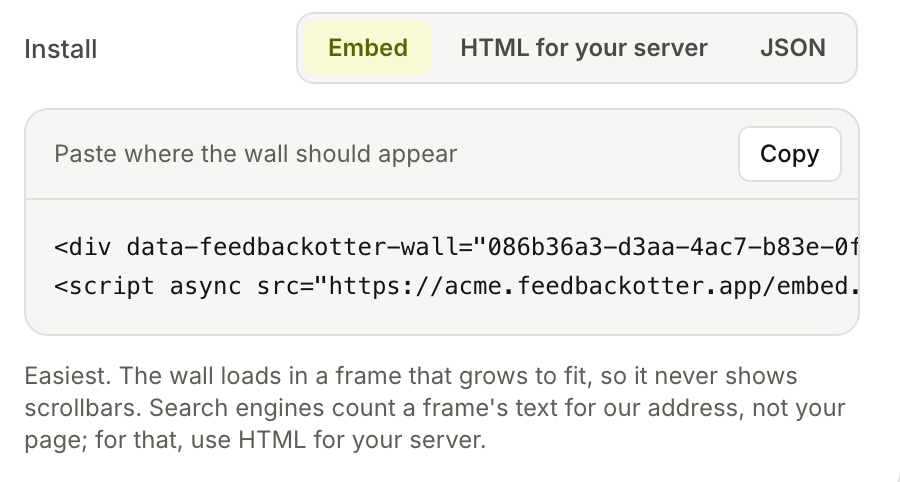
The easiest. Paste the code where the wall should appear:
<div data-feedbackotter-wall="YOUR-WALL-ID"></div><script async src="https://acme.feedbackotter.app/embed.js"></script>The wall loads in a frame that grows to fit, with no scrollbars. It works in React, Next.js and Vue too, even after the page changes.
Your server fetches the wall as plain HTML and puts it in your page. Search engines and AI tools then read your testimonials as part of your site.
// app/page.tsx (a Next.js server component)async function Testimonials() { const res = await fetch("https://acme.feedbackotter.app/embed/html/wall/YOUR-WALL-ID", { next: { revalidate: 300 }, }); if (!res.ok) return null; return <div dangerouslySetInnerHTML={{ __html: await res.text() }} />;}The dashboard has the same example for WordPress and PHP. Cache it for about 5 minutes. Don’t paste a copy of the HTML into your page: a copy keeps showing testimonials after you take them down.
The wall’s testimonials as data, to show in your own design.
const res = await fetch("https://widget.feedbackotter.com/v1/walls/YOUR-WALL-ID", { headers: { "X-FeedbackOtter-Key": "pk_…" },});const { testimonials, rating, wallUrl } = await res.json();Escape every text field when you show it: your customers wrote it.
Embed one testimonial
Section titled “Embed one testimonial”Open a testimonial’s ⋯ menu, click Share…, and copy the code under Embed it on any page.
The rating badge
Section titled “The rating badge”Go to Widgets → Rating badge.
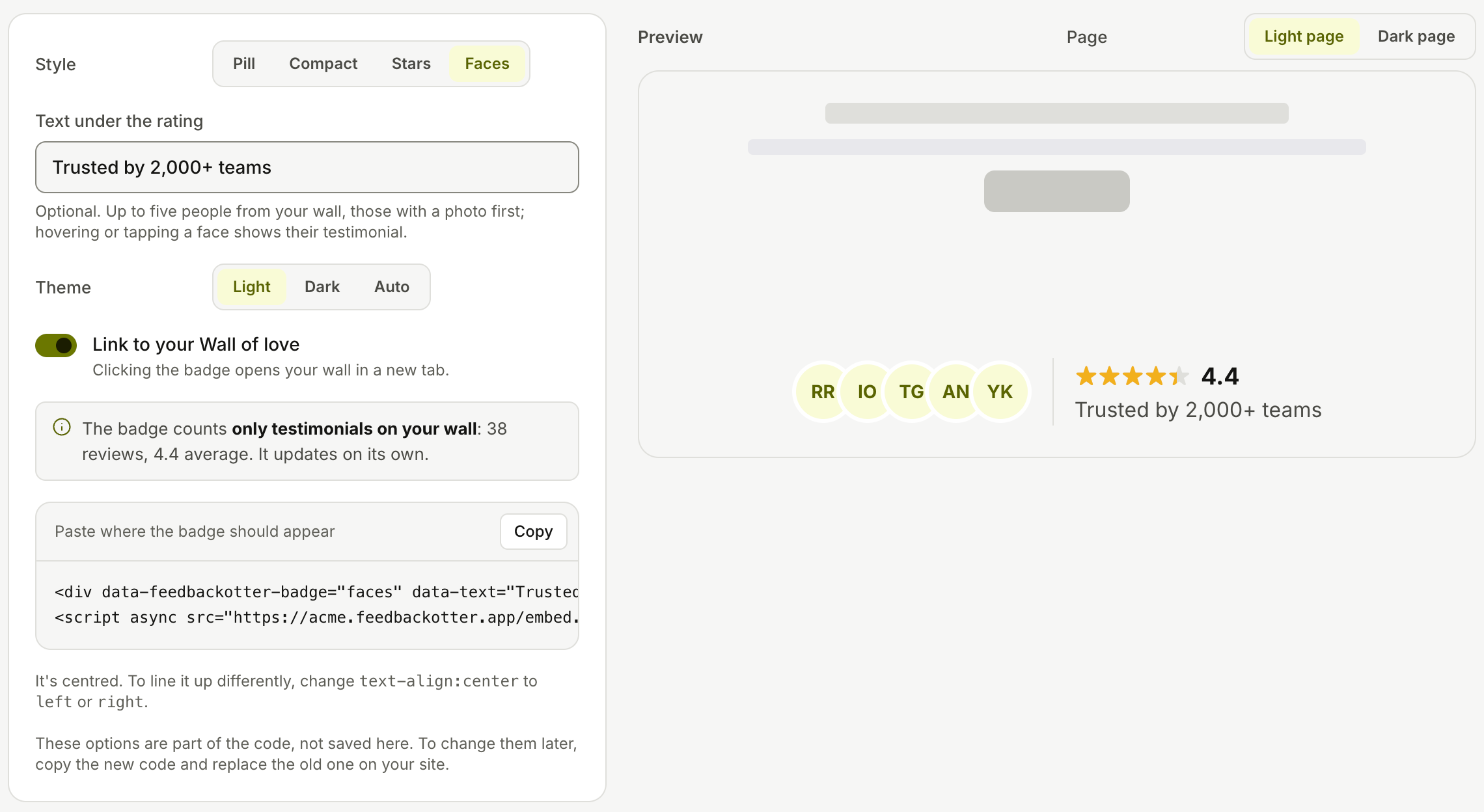
| Style | Looks like |
|---|---|
| Pill | ★★★★☆ 4.4 from 38 reviews, in a rounded box. For under a sign-up button. |
| Compact | ★ 4.4 (38), in a small box. Fits in a nav bar or footer. |
| Stars | Large stars over 4.4 out of 5 · 38 reviews, with no box. For under a headline. |
| Faces | Up to five people from your wall, and a line of text you choose. Hovering a face shows their testimonial. |
Then fit it to your page: pick light, dark or auto colours, line it up left, centre or right, and choose whether clicking it opens your Wall of love. Click Copy and paste the code.
The badge counts only testimonials on your wall, and updates on its own. Its options are part of the code. To change them, copy the new code and replace the old one.
Collect more
Section titled “Collect more”Add a Leave a testimonial button to your site from Widgets → Collect button. See Collect testimonials.